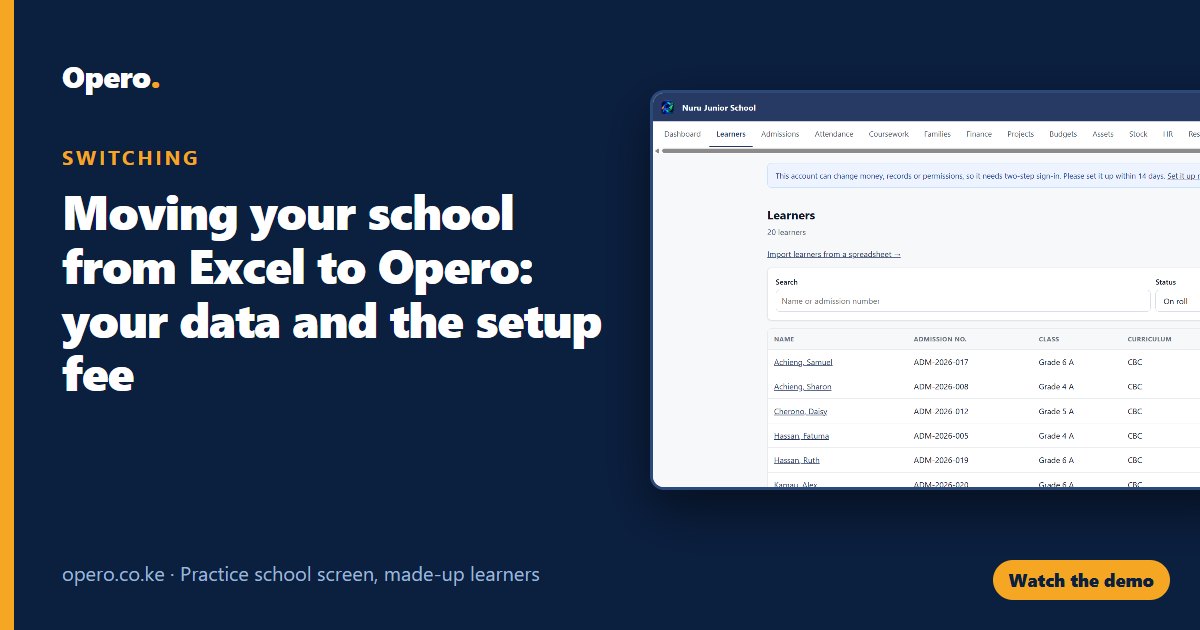
Moving your school from Excel or another system to Opero: what happens to your data and why setup is free when switching
The biggest reason schools stay on a system that frustrates them is not the price of the new one. It is fear: "What happens to our records? Will we lose a term of fees? Will parents be confused?" This article explains, step by step, how a move works in Opero, what you keep, what we do not promise, and why we waive the setup fee for a school that switches.
What data can move across?
For most schools, the records that matter on day one are:
- Learners: name, admission number, class, date of birth, sex.
- Guardians: name, phone, and which learners they are linked to.
- Opening fee balances, if you want to start the new term with the right figures (Opero has a balance import for this).
Older history, such as past terms' marks or scanned documents, depends on how it is stored. That is why the scope is discussed before work starts, and not assumed. We do not promise to rebuild every historical record, and we do not claim "free migration". The only thing waived for a switching school is the setup fee.
How does the import work, step by step?
- Get your list into a spreadsheet. Export from your old system, or tidy your Excel into one row per learner. Opero accepts `.xlsx` and `.csv`.
- Run a dry run. Opero reads every row and checks it. It reports problems by line number, such as a missing class or a bad date, and writes nothing. You see exactly what will happen before it happens.
- Fix the list. Correct the rows that failed, in your spreadsheet.
- Commit. Only the rows that passed are created. Each row is independent: one bad row never stops the good ones, and every failure is reported.
- Learners are created the normal way. An imported learner is shaped exactly like one typed in by hand, with the same checks, the same isolation between schools, and an audit record.
The principle is simple: look first, save second. If you are on spreadsheets for fees, our post on collecting fees by M-Pesa without the spreadsheet shows what happens to the ledger after the move.
Why is setup free when switching?
We want switching to be easy. A school with an existing system has already paid once for setup, and has already done the hard work of gathering its records. Charging it KSh 20,000 again to move would punish exactly the school that is trying to improve. So:
- Setup is KSh 20,000 for a school with no existing system, because we do real work to set it up.
- Setup is KSh 0 for a school switching from an existing system or from spreadsheets.
- The waiver covers the setup fee only. The scope of moving your old records is agreed in writing before work starts, so neither of us is guessing.
The term price is unchanged: KSh 250 per learner per term for the base, plus flat add-ons by school size, billed in week 3 of the term. See the welcome page for the card and our 2026 buyer's guide for a comparison with other systems.
Who owns the data once it is in Opero?
The school does. Opero runs the system, but the school controls its own data, and each school's records are kept apart from every other school's. Under Kenya's Data Protection Act, 2019 a school is responsible for the data of its learners and parents, so you should know how to get it back out. Opero has tools to export a learner's data and to handle erasure and data-subject requests. Our post on who owns your school's data explains why this matters.
Opero does not give legal advice. Confirm your own registration and duties with the Office of the Data Protection Commissioner or a lawyer.
What about the Ministry's KEMIS roster?
KEMIS replaced NEMIS in January 2026, and as far as we have found it offers no integration for school systems to connect to. What Opero provides is a roster export in the shape the Ministry asks for: one row per learner with the UPI, names, sex, date of birth, class and a guardian. It is a file you upload yourself, not a live link. The export carries every learner's details in one download, so it needs a special permission, two-step sign-in and an audit record. Read more in the KEMIS learner roster guide.
What can go wrong in a switch, and how do we reduce it?
Honest answers beat a smooth pitch:
- Messy source data. Duplicate admission numbers, missing classes and phone numbers in several formats are the common causes. The dry run finds them before they enter the system.
- Opening balances. If your fee balances are wrong in the old system, they will be wrong in the new one. Agree a cut-off date and check a sample of families by hand.
- Parents confused by a new login. Tell them early, show them the portal, and keep the old route open for one term.
- Staff habits. Run both systems side by side for a week or two on a single class, then widen.
- Opero is young. We do not have years of case studies. Try the practice school first, and ask us what we have and have not done.
How do I try it first?
Watch the demo video above, then request logins to NURU, a practice school with made-up learners. No real child is in it. Try an import with a ten-row spreadsheet and see the dry-run report for yourself.
What does a two-week switch look like?
Every school is different, but a careful move often follows this shape.
- Days 1 to 3: agree in writing what will be moved and what will not. Export your learner and guardian lists and clean the obvious errors.
- Days 4 to 6: run the dry-run import, fix the failing rows, and commit. Check ten learners by hand against your old records.
- Days 7 to 9: load opening fee balances if wanted, and compare a sample of families to the old statements.
- Days 10 to 12: train the office, the teachers and one driver, on the practice school first. Then use the real one with a single class.
- Days 13 and 14: widen to the whole school, tell parents about the portal, and keep the old records safe and read-only.
Keep your original files untouched. They are your safety net if anything looks wrong.
Frequently asked questions
Can I move my records from Excel to Opero? Yes. You prepare one row per learner in a spreadsheet, run a dry run that checks every row and saves nothing, fix any errors, then commit the rows that passed.
Is setup really free when switching? The setup fee is KSh 0 for a school switching from an existing system or from spreadsheets. The scope of moving older records is agreed in writing first, and we do not promise free migration of every historical record.
Will I lose my data if I leave Opero? The school controls its own data, and Opero has export tools. Ask for the export format you need before you commit, and keep your own copy of your source files.
Does Opero connect to KEMIS? Not live. KEMIS offers no public integration that we have found. Opero produces a roster file in the Ministry's shape that you upload yourself.
What does Opero cost after the move? KSh 250 per learner per term for the base, plus flat add-ons for fees, transport and payroll by school size, billed in week 3 of the term.
See it on a practice school. Watch the demo above, then ask for logins to NURU, a practice school with made-up learners. No real child is in it.
Sources: Opero capability review of 27 October 2026 (learner import and KEMIS roster export code); published price card of 27 October 2026 and its migration note. Written by the Opero team. We do not claim free migration of historical records.