Setting up school bus routes before term opens: routes, stops, riders and vehicles, in the right order
Schools open on Monday 4 January 2027, according to the 2027 calendar circular reported by Kenyans.co.ke on 4 November 2026. That leaves a few weeks to get the school bus in order. Most transport problems that show up in the first week come from lists that were never built properly: a child with no stop, a stop in the wrong place, a bus nobody linked to a route. This article gives a transport manager or bursar a simple order of work, using what Opero's routes and fleet screens do today.
What should be ready before the first run?
The transport add-on in Opero needs four things in place. Each depends on the one before it, so the order matters.
| Step | What you set up | Why it comes here |
|---|---|---|
| 1 | A route, with a name | Every trip starts from a route. A driver cannot start a run without one. |
| 2 | The stops, in the order the bus reaches them | The order of the stops is the route. |
| 3 | The riders, each with a stop and morning, afternoon or both | This is the list the driver and the office use on every run. |
| 4 | The vehicle and the driver | So the record shows which bus carried which children. |
How do you build a route and its stops?
Open the bus routes page. Give the route a name that the whole office will recognise, such as the estate or the road it serves. Route names must be different from each other, and a route can have up to 60 stops.
Type the stops in the order the bus reaches them. Opero keeps that order, and does not sort stops by name, because the alphabet is nonsense on a bus. A stop can carry a landmark, such as "opposite the chemist", which helps a new driver. If you find later that two stops are the wrong way round, put the whole list in the new order at once. The screen asks for every stop, exactly once, so you cannot leave the list half changed.
A route can exist before you have named a driver. You can add the driver, who must be a member of staff on your staff list, when you know who it is.
How do you put children on the bus?
For each learner, choose the route, the stop where they get off, and whether they travel in the morning, in the afternoon, or both. Both is the usual choice. Opero will not accept a rider who travels in neither.
Three things to know.
- A child with no stop is allowed. Some children are collected at the school gate. But no stop is a recorded state of its own, not a blank, so only use it for a child you mean to hand over at the gate.
- Moving a child to another stop is the same action as adding them. You do not have to remove them first.
- A stop cannot be removed while children are set down there. The screen tells you how many, and asks you to move them first. This protects you from a bus that still stops where the list says nobody gets off.
Before you assign anyone, clean the guardian phone numbers. A parent who confirms arrival in the portal signs in with their phone, so a wrong number locks them out. See guardian phone numbers and the parent portal.
How do you add the vehicle?
Open the fleet page. For each bus, record the registration, the make and the number of seats, from 1 to 120. Add the dates for insurance, the NTSA inspection and the next service. Opero then shows a plain sentence on the bus when one of these is due within 30 days, and a different one when it has lapsed. The fleet screen does the reminding; you still have to do the renewal.
Then link the vehicle to its route. A vehicle marked out of service cannot be linked, which is what you want.
One honest limit. Opero records the number of seats and the number of riders, but in the code we reviewed on 29 October 2026 we did not find a check that stops a school putting more riders on a route than the bus has seats. Count it yourself, route by route, before term. Our article on the fleet log and fuel covers what to record once the buses are running.
Should you set a price on each route?
You can. A price can be set on a route, or on one stop, per term. A stop price is a zone price and wins over the route price when the learner is set down there. A school that bills transport inside its normal fee structure sets neither. Pricing is a separate decision, explained in zone fees for school transport. Do the routes first, and the prices will be easier to set.
What happens when a route changes mid-year?
Routes are stopped, never deleted. A route is what past trips point to, and a trip is the record of which child was on which bus on which afternoon. A route with a trip that has not been closed cannot be stopped, which prevents the office from stopping a bus that is out with children. Each change to a route, a stop, a rider or a vehicle is recorded in the audit trail with who made it.
What does Opero not do here?
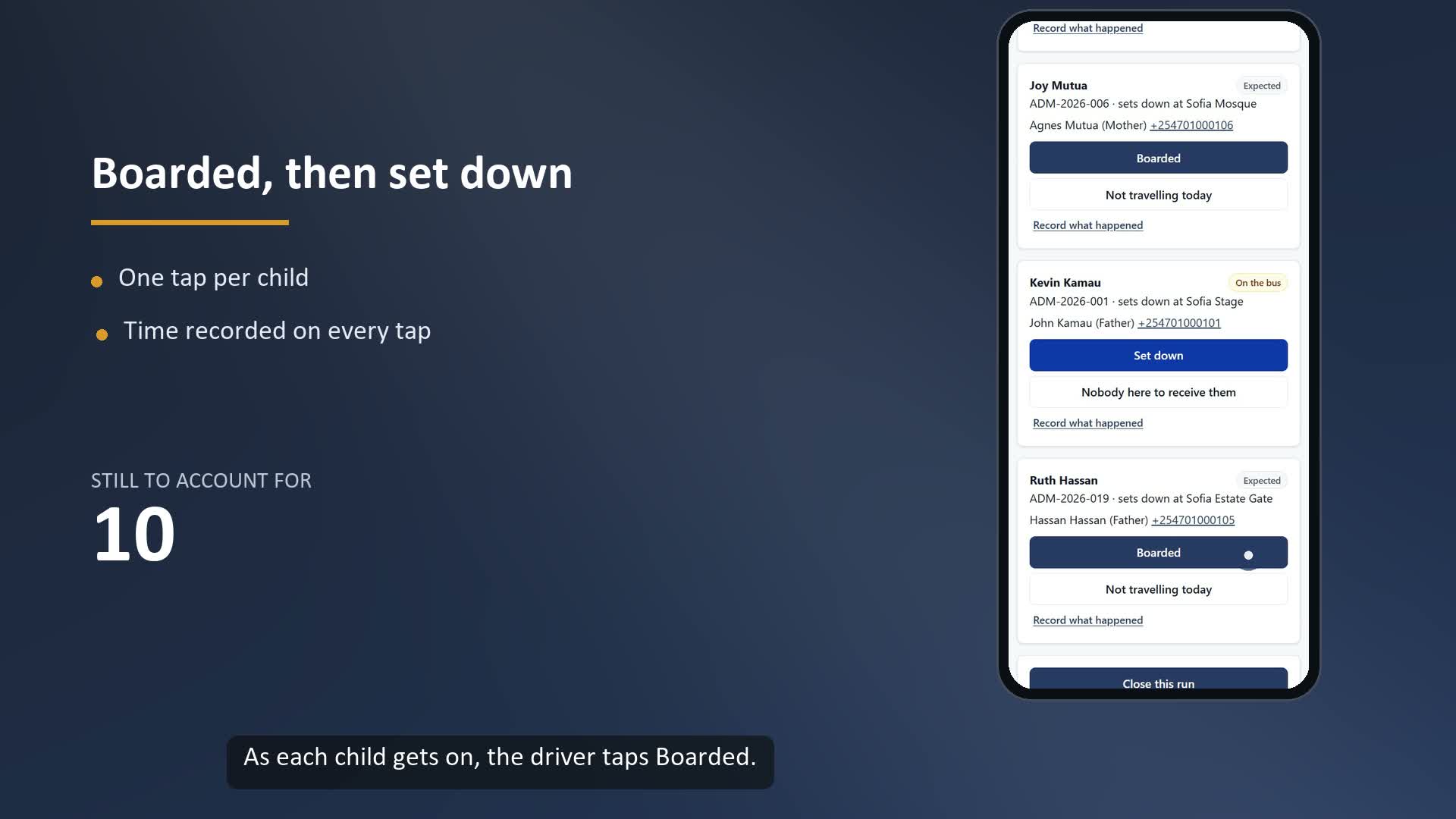
It does not make a bus safe. Opero strengthens the record of who boarded and who was set down. It does not promise safety. The first-day routine, with the driver starting the run and the guardian confirming arrival, is in the school bus register and the parent confirmation workflow.
What does the transport add-on cost?
The add-on is priced per term by school size: KSh 10,000 for up to 300 learners, KSh 18,000 for 301 to 600, and KSh 28,000 above 600. It comes on top of KSh 250 per learner per term.
Frequently asked questions
In what order should I set up school transport in a system?
Routes first, then stops in the order the bus reaches them, then riders with their stop, then the vehicle and the driver.
Can a child be on a route without a stop?
Yes, for a child collected at the school gate. Opero records this as a separate state, so it is not a blank.
What if I put the stops in the wrong order?
Reorder the whole list at once. The screen needs every stop on the route, exactly once.
Can I delete a route that no longer runs?
No. A route is stopped, not deleted, because past trips point to it. A route with an open trip cannot be stopped.
Does Opero warn me about an expiring insurance or inspection?
Yes. The fleet screen shows a sentence when insurance, the NTSA inspection or a service is due within 30 days, or has lapsed.
Next step: See Opero's price and Ask for a demo.
Sources: Kenyans.co.ke, report of 4 November 2026 on the Ministry of Education 2027 calendar circular, read 23 November 2026; Opero engineering review of the routes, stops, riders and fleet screens, 29 October 2026 code, checked 23 November 2026; Opero price card, 27 October 2026. Written by the Opero team.